Simulate CRT - After Effects Template

$24.00

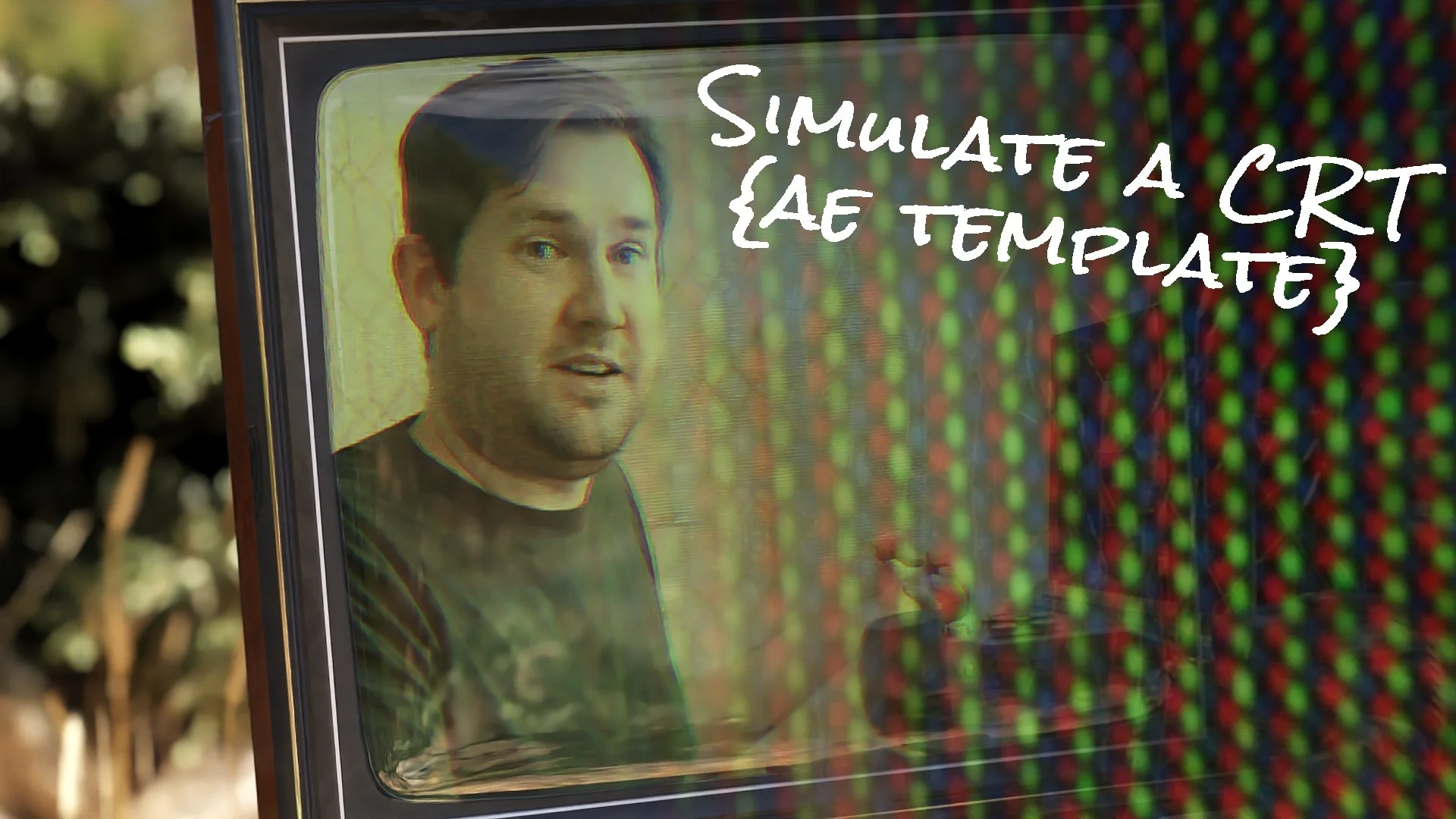
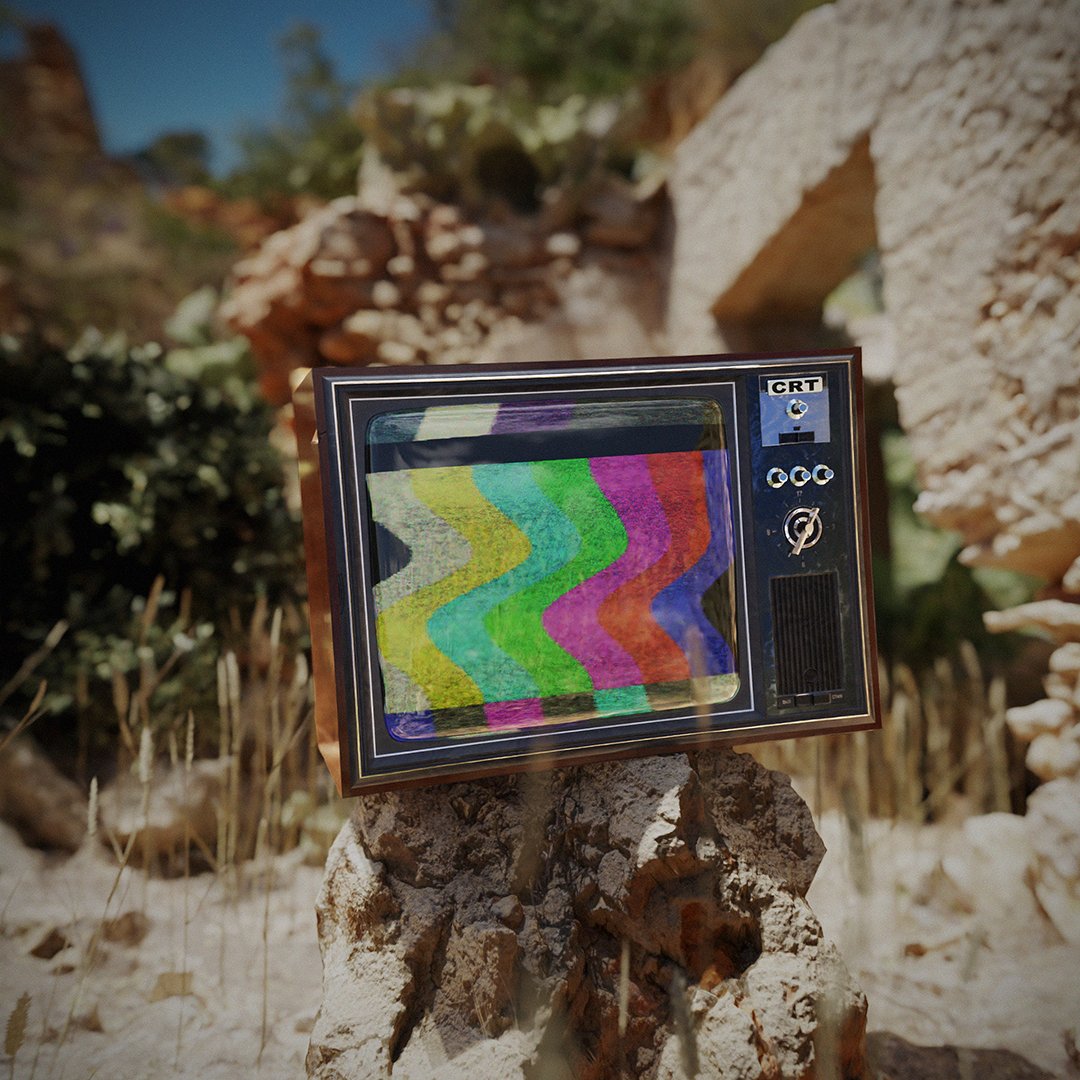
This template is designed to simulate a retro Cathode Ray Tube (CRT) display/television, also known as a tube TV. The template works in vanilla Adobe After Effects, which means no additional plug-ins are needed.

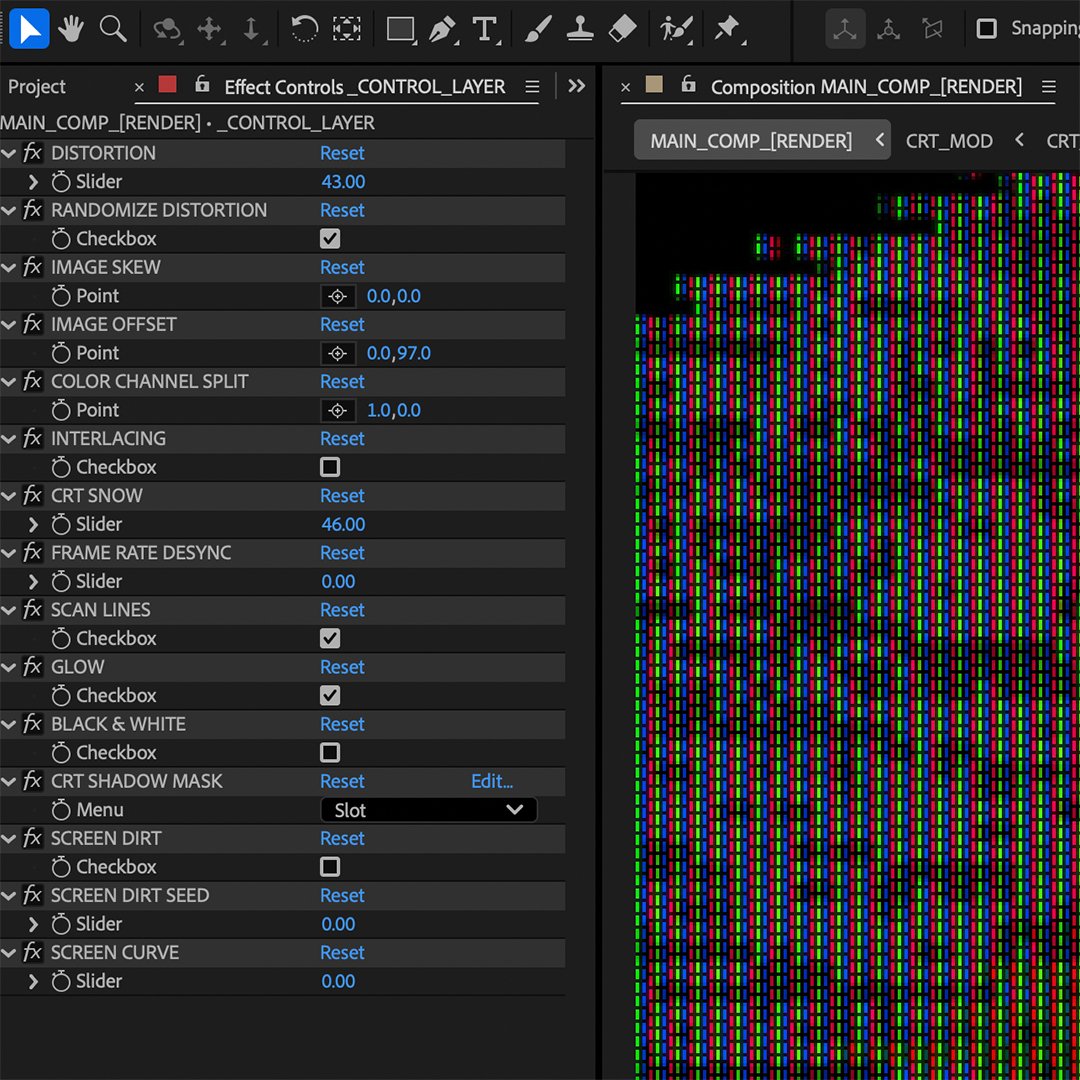
To use simply add your video footage to the INPUT_COMP_[FOOTAGE] and adjust the effect settings, using the _CONTROL_LAYER in the MAIN_COMP_[RENDER] composition.

This template requires Adobe After Effects v25.6 or later.

Effect Control Descriptions:

DISTORTION - Adjusts the amount of simulated distortion of the CRT electron beam.

RANDOMIZE DISTORTION - Enables random distortion.

IMAGE SKEW - Skews the image on the X and Y axes.

IMAGE OFFSET - Offsets the image on the X and Y axes.

COLOR CHANNEL SPLIT - Splits the image RGB color channels on the x and Y axes.

INTERLACING - Adds in interlacing to the input video.

CRT SNOW - Amount of CRT signal snow/noise.

FRAME RATE DESYNC - Simulates a frame rate mismatch between a camera and CRT display.

SCAN LINES - Adds horizontal scan lines.

GLOW - Adds glow to simulated screen pixels.

BLACK & WHITE - Makes it black and white.

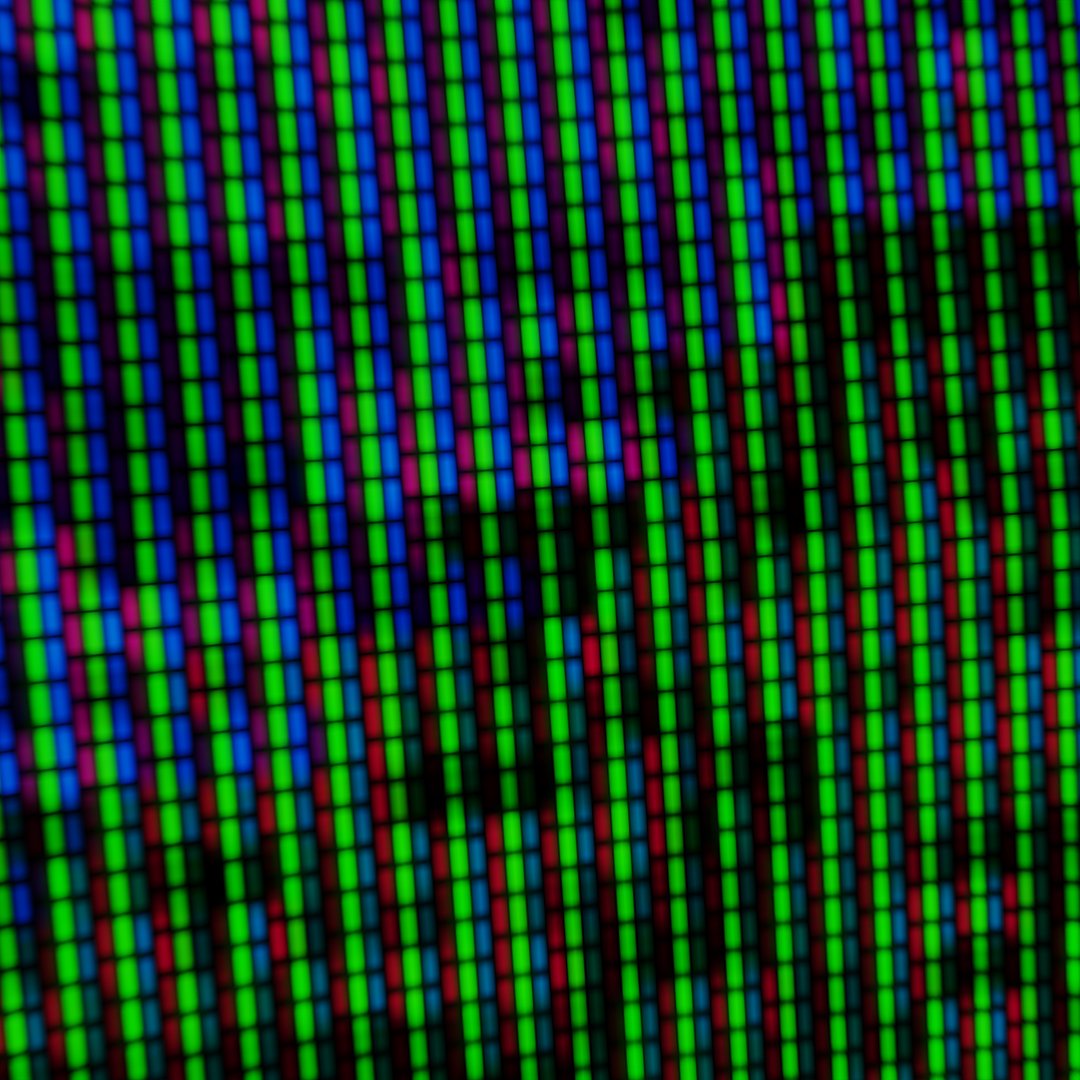
CRT SHADOW MASK - Changes the shadow mask used on the CRT. The options are a grill mask, dot mask, or slot mask.

SCREEN DIRT - Adds dust, dirt, and smudges.

SCREEN DIRT SEED - Random seed for screen dirt.

SCREEN CURVE - Adjusts the curvature of the CRT display. This will introduce moiré patterns in the image, which can be a desired effect.

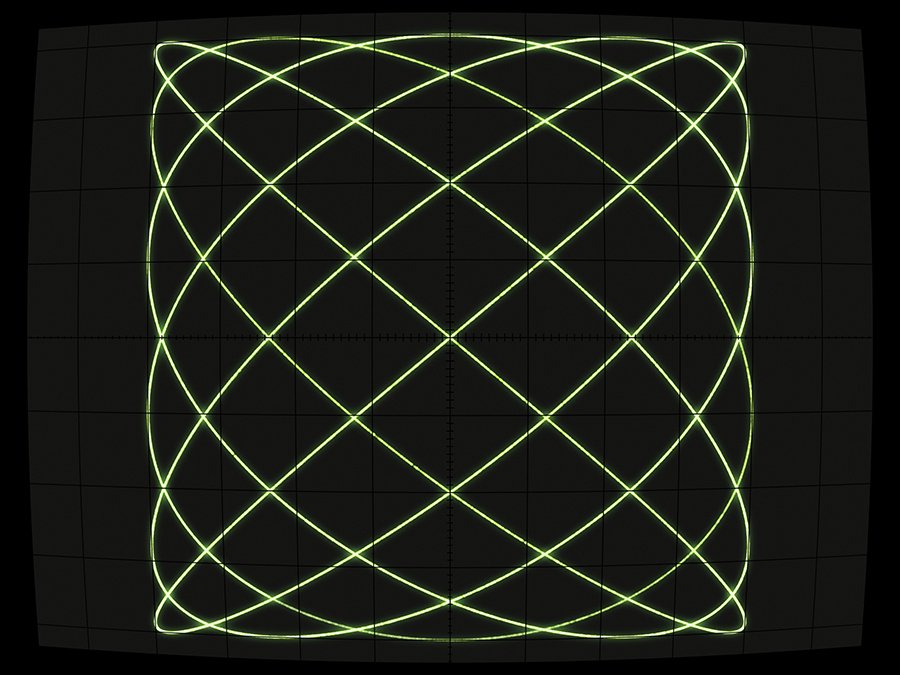
This template is designed to simulate a retro Cathode Ray Tube (CRT) display/television, also known as a tube TV. The template works in vanilla Adobe After Effects, which means no additional plug-ins are needed.

To use simply add your video footage to the INPUT_COMP_[FOOTAGE] and adjust the effect settings, using the _CONTROL_LAYER in the MAIN_COMP_[RENDER] composition.

This template requires Adobe After Effects v25.6 or later.

Effect Control Descriptions:

DISTORTION - Adjusts the amount of simulated distortion of the CRT electron beam.

RANDOMIZE DISTORTION - Enables random distortion.

IMAGE SKEW - Skews the image on the X and Y axes.

IMAGE OFFSET - Offsets the image on the X and Y axes.

COLOR CHANNEL SPLIT - Splits the image RGB color channels on the x and Y axes.

INTERLACING - Adds in interlacing to the input video.

CRT SNOW - Amount of CRT signal snow/noise.

FRAME RATE DESYNC - Simulates a frame rate mismatch between a camera and CRT display.

SCAN LINES - Adds horizontal scan lines.

GLOW - Adds glow to simulated screen pixels.

BLACK & WHITE - Makes it black and white.

CRT SHADOW MASK - Changes the shadow mask used on the CRT. The options are a grill mask, dot mask, or slot mask.

SCREEN DIRT - Adds dust, dirt, and smudges.

SCREEN DIRT SEED - Random seed for screen dirt.

SCREEN CURVE - Adjusts the curvature of the CRT display. This will introduce moiré patterns in the image, which can be a desired effect.